Menus
File Menu
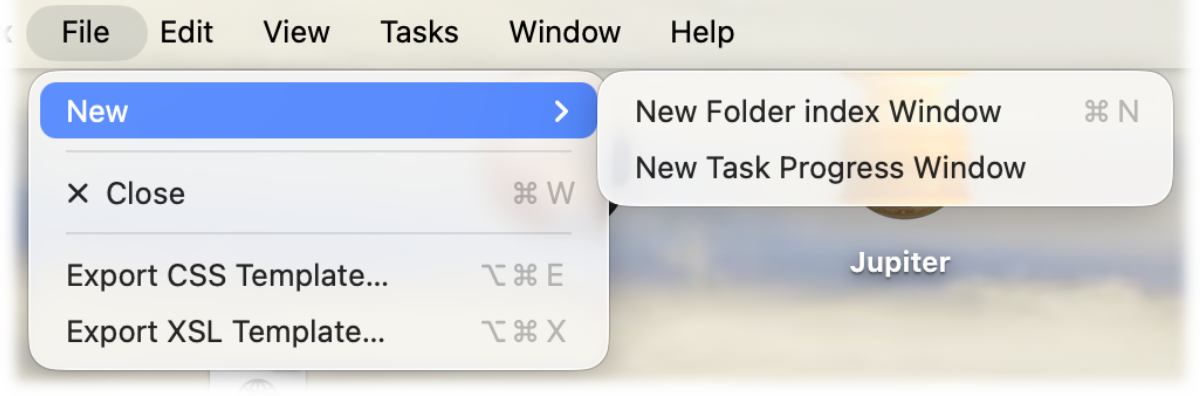
File Menu
The New menu opens either a new Main window or another window listing the current tasks.
Export CSS and Export XSL will export the currently selected template files, from which you can create your own. If you wish to use a JavaScript file simply use the <link> to your script which can be placed into the desination folder.
Working from a Base If you wish to create your own CSS or XSL files you can export the default files used by Folder Index to use as templates. The set selected in the Preferences will be the ones that are exported. Once you have the files modified the way you want you can use Folder Index Preferences to set them for use. It is very easy to introduce errors within your files. To switch Folder Index back to using its defaults click the X buttons in the Preference window. You can always export new copies of the templates to start again.
Logging Menu
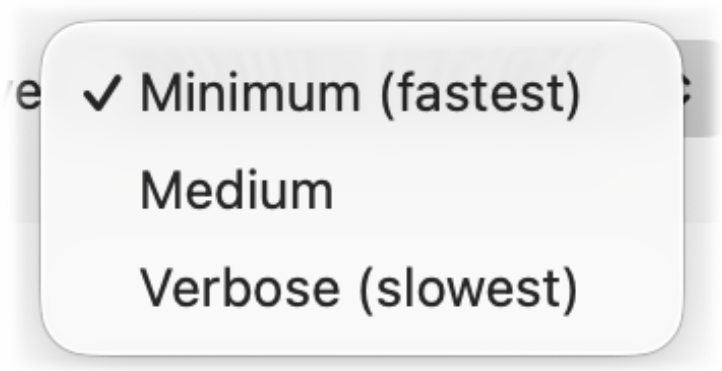
Logging Menu
Report Level Folder index will display it progress and you can choose how much information it shows. If the level is set to Verbose and ideal for debugging. It buffers the result and displays it when it finishes a section.
The Reporting levels have been reduced to reflect the internal changes to Folder index.
Tasks
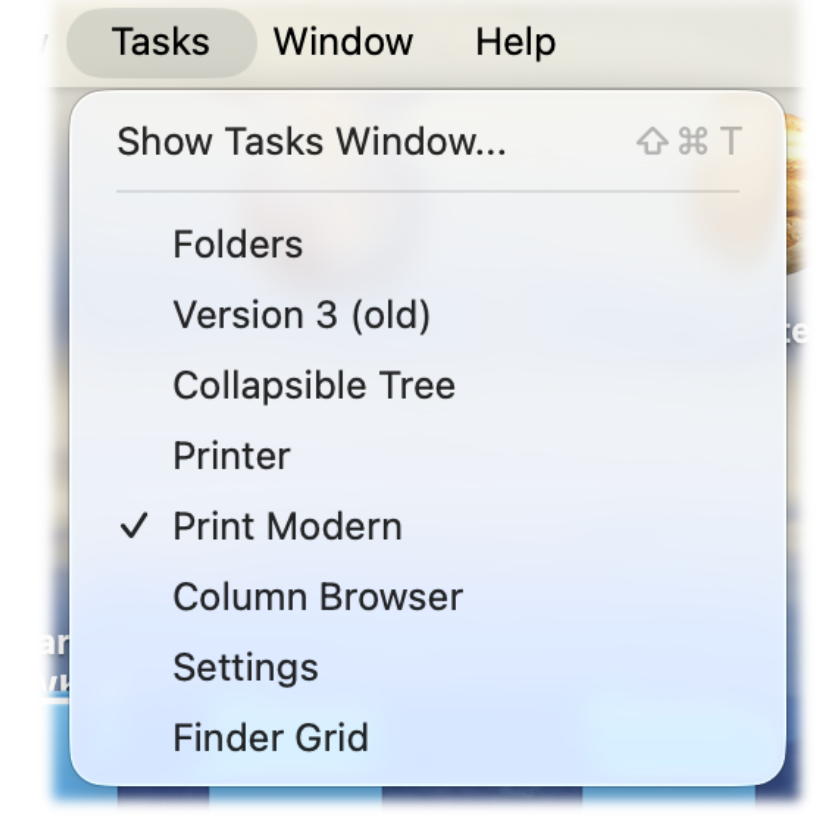
Tasks Menu
The Tasks menu has been added as a convenience. It allows access to the Tasks window, to see what tasks, have or are running during this session. It is also posible to easily switch the Template Set currently in use. If there are Snapshot files added in the Advanced settings, the Template Sets are not used.